
iPhone app · Available on the App Store
Your working hours.
Your own record.
“What time did I leave last month?”
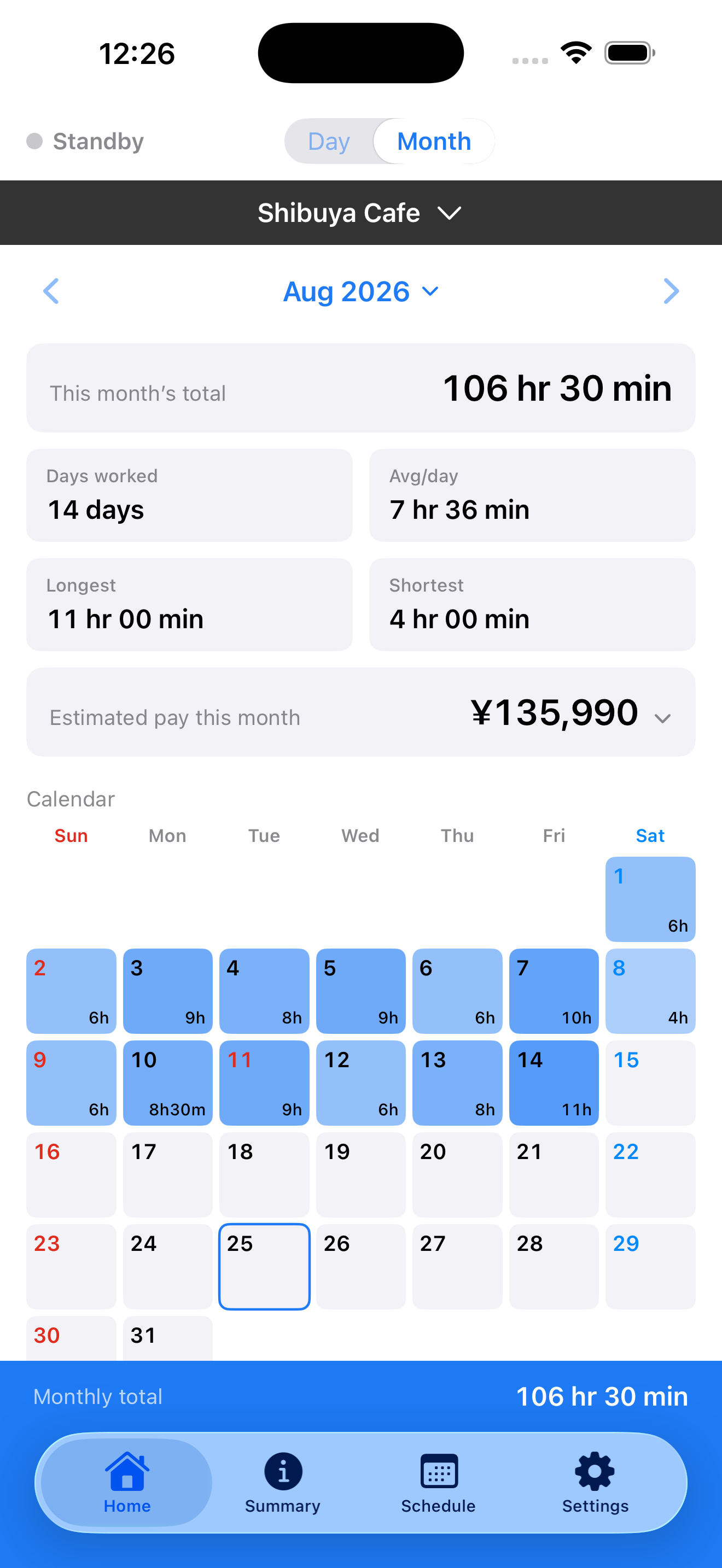
Automatically log workplace arrivals and departures, then look back at your hours by day or month.
Requires iOS 17.0 or later · In-app purchase available
A record you can come back to.
- 01
Set your workplace
Choose your current location or a point on the map. No account needed.
- 02
Log arrivals and departures
Allow Always location access to record crossings of your workplace boundary.
- 03
Review your time
Browse daily and monthly records, add notes, and export work records as CSV.
YOUR DAILY RECORD
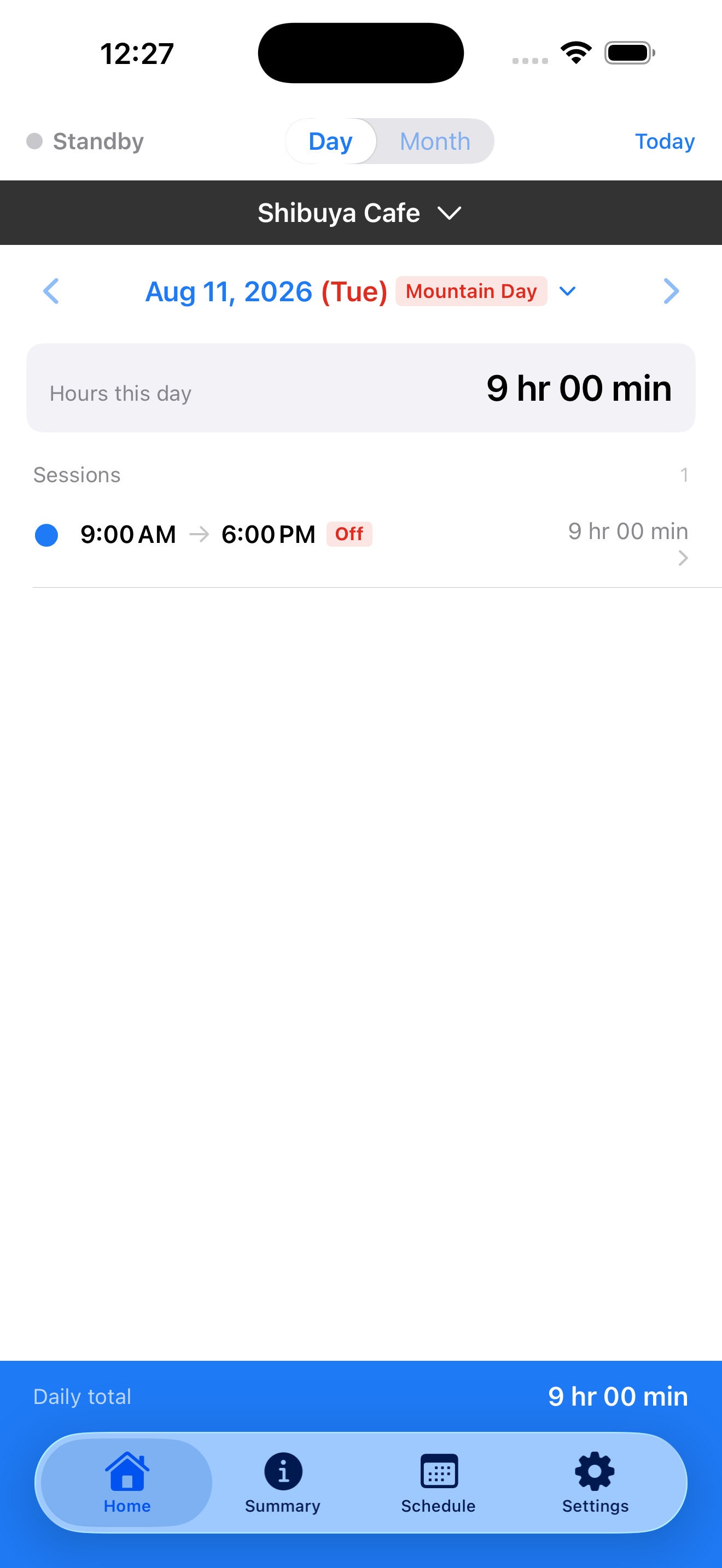
Remember when you arrived. And when you left.
See each day’s recorded arrivals, departures, and hours. Missing records are marked as unknown, rather than filled in with guesses.
Start keeping records for free.
Workplace setup, automatic logging, daily and monthly hours, and CSV export.
Pro · One-time purchase
Unlock pay and overtime estimates based on Japanese labor rules. These are reference values, not payroll or legal advice. See your local price in the App Store.
Work records stay on your iPhone.
Your workplace and work records are stored on your device. No sign-in required. In-app purchases are processed using Apple and RevenueCat.
Privacy policy →Before you start
Why does it need location access?
Always location access lets the app detect workplace arrivals and departures in the background. It does not record your travel route. Detection may be delayed or missed depending on your device and surroundings.
Do recorded hours always equal time worked?
Records are based on workplace arrivals and departures. Time spent at a location may differ from time actually worked. Review the records alongside your notes about breaks and other circumstances.
Keep your own record from your next shift.
Download free on the App StoreRequires iOS 17.0 or later · In-app purchase available